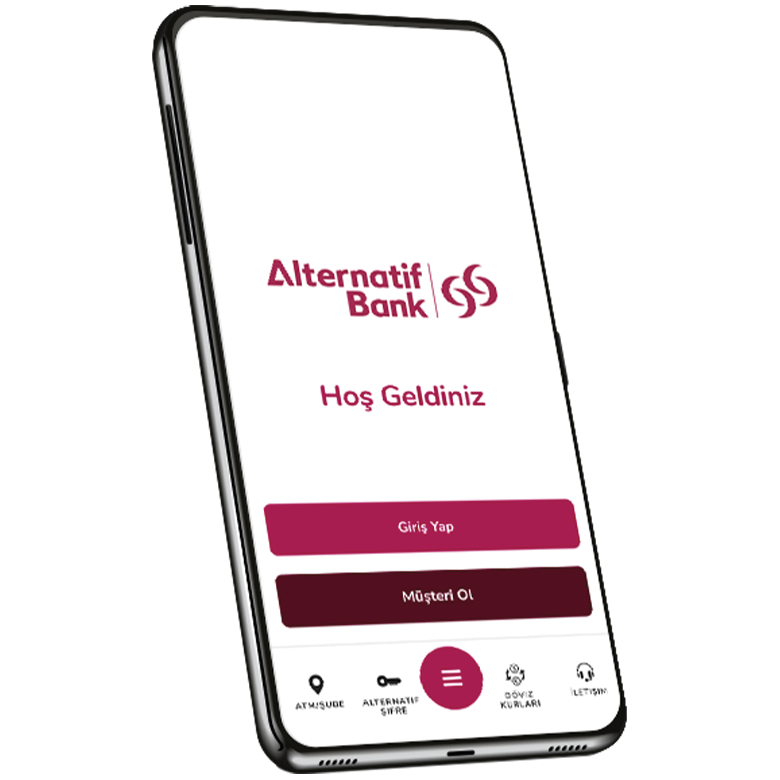
How do I install the new mobile app?
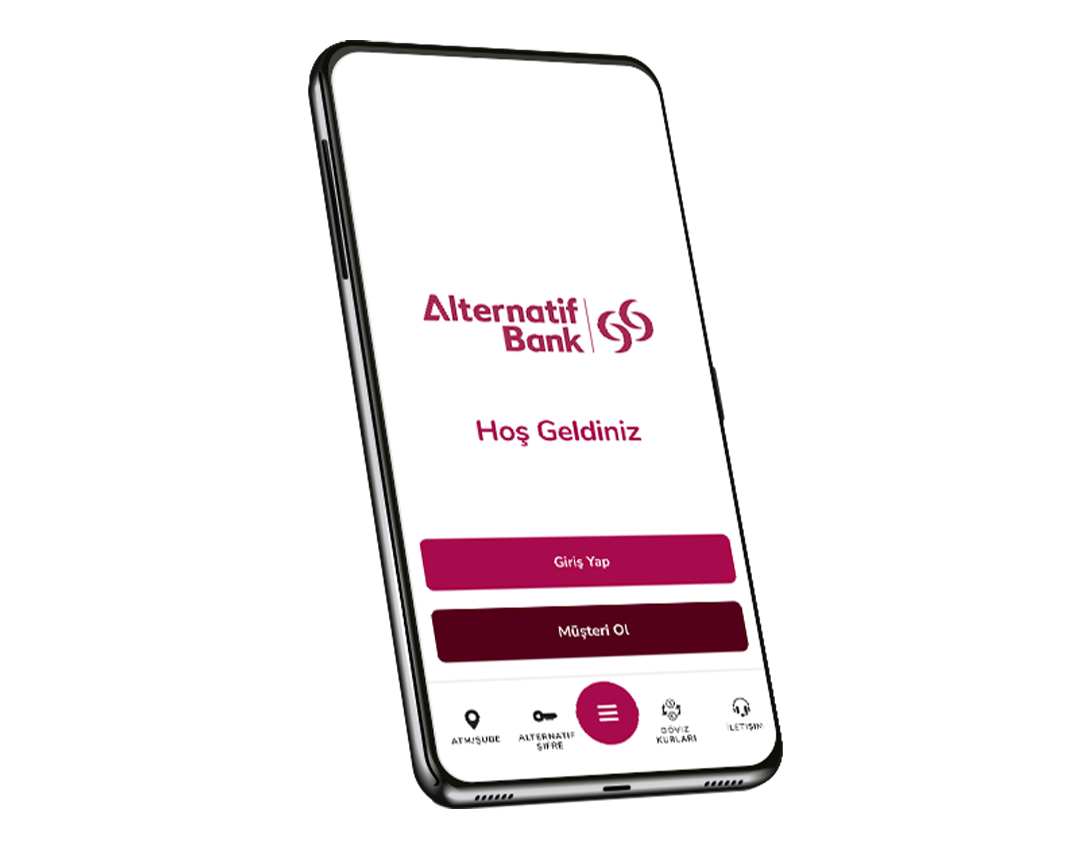
The updated Alternatif Bank Mobile app can be easily downloaded from the App Store, Play Store and App Gallery.
- Previous application: Alternatif Bank Mobile
- New App Store and App Gallery: New Alternatif Bank Mobile
- New app Google play store: Alternatif Bank
How long can I use the previous app?
Our current application will be available until 15 April 2024, after which we will continue to serve you through the updated Alternatif Bank Mobile.
I downloaded the new app, can I start using it now?
Once the new application has been downloaded, you can start using it immediately by logging in with your existing username and password. Once a new application is logged in with the device used in the old application, it will be able to resume operations without a 1 hour limit.
I've downloaded the new app, I'm getting a device alert. What do I do?
If you receive a device alert when you enter a new application, you can delete your registered device by connecting your new ID and NFC-enabled device to the Video Chat stream from the "I forgot my password/Sim card and change device" field on the home screen, and then log in later.
I'm using a shared account, can I use the new app?
Users with both individual and shared accounts will be able to log in with only one account via the new app. Two accounts are working to use the new application at the same time, and one account can be logged in until a change is made.
By this date, you can use your individual account from the new application, and your shared account through the existing application.
Have new features been added to the renewed Alternatif Bank Mobile?
- Follow your VOV Card Cash refunds with confidence.
- Easily reach your portfolio manager, enjoy one-on-one counselling!
- Keep track of your financial situation easily!
- Explore the world of VOV Extra Interest, enjoy the unlimited welcome interest rate!